My puzzle game used more battery than YouTube: an idle screen should draw zero frames

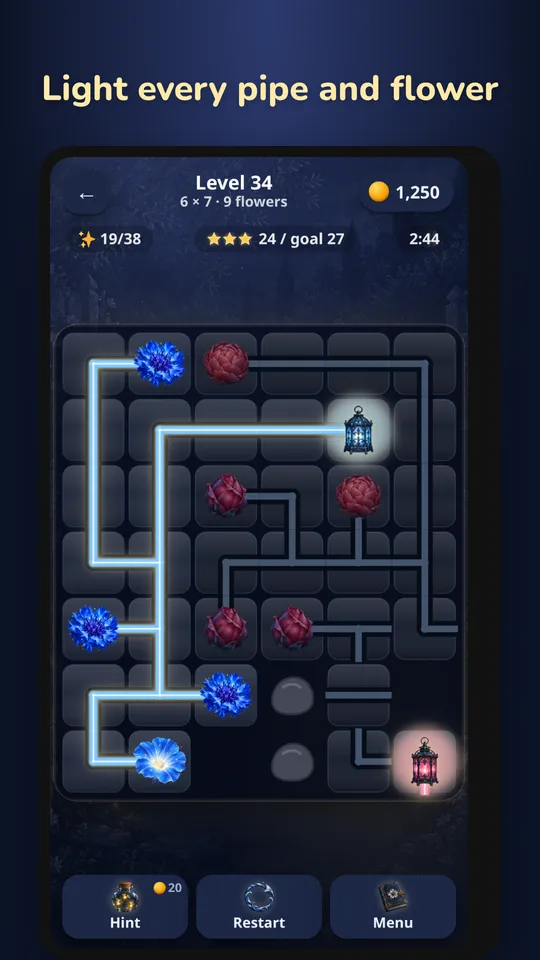
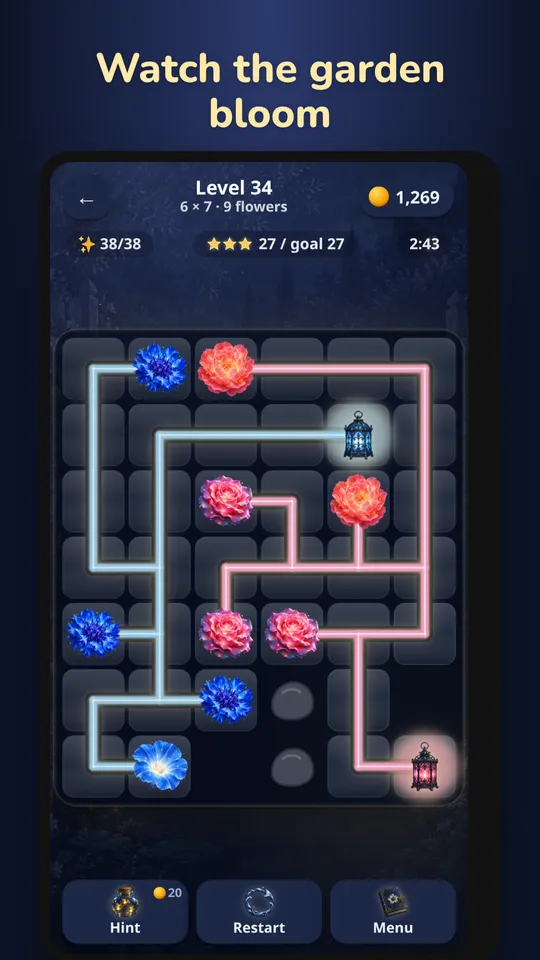
Moonlit Garden is a calm pipe puzzle. You rotate tiles so lantern light flows through pipes to every flower. It's untimed, quiet and slow, the kind of game you play in bed.
Then I looked at my phone's battery screen. Moonlit Garden was the third-biggest drain on the phone: 7% in 38 minutes on screen, plus 26 minutes of drain in the background. Ahead of YouTube. For a puzzle where nothing happens until you tap.
Cause 1: endless animation inside blurred layers
The board looked lovely: a light layer with three drop-shadow filters and a screen blend mode, a soft flicker on the lanterns, and every lantern halo (a 9-pixel blur) gently pulsing. Underneath, a full-screen ambient drift.
Every one of those animations ran forever, and they ran inside filtered layers. When anything inside a blurred or filtered layer changes, the browser has to repaint the whole filtered area. So an idle puzzle, with no input and nothing changing, was redrawing the entire blurred board 60 times a second.
Cause 2: an audio context that never slept
The game creates a Web Audio AudioContext on the first sound. It never suspended it. An active AudioContext keeps the phone's audio output open, which keeps the device from fully sleeping, including in the background after you've switched apps. That explained the 26 background minutes.
The fix
- The lantern flicker plays once after each turn, then rests.
- Halos and the ambient field are still.
- CSS animations pause when the page is hidden.
- The AudioContext suspends after 30 quiet seconds, and immediately when the app goes to the background.
Why 30 seconds and not 0.3? Waking an AudioContext takes about 0.3 seconds. Suspend too eagerly and the next tap's sound plays late, which feels broken. Thirty quiet seconds is the compromise: no drain while you think, instant sound while you play. (The first fix used 0.3 s, and I had to put it back.)
Measuring every game
If one game had this, others might. So I built a measuring tool. It loads a game's browser build in headless Chrome, emulating a phone, optionally taps into a screen, then sits idle and reports:
- frames per second,
- paints per second,
- main-thread milliseconds per second,
requestAnimationFramecalls per second,- every endless CSS animation by name,
- the AudioContext state.
The results were humbling:
- The Word Search engine family already drew 0 frames when idle, but never suspended audio. The restart glow in two word games animated
box-shadow: 120 paints a second down to 4. - Rogue Video Poker: 60 → 0 frames per second on every screen.
- Tavern Heroes: endless glows, 60 → 0 once they'd pulsed.
- Backpack Battle: the 3D loop ran on every screen. The shop now draws 0.
- Genesis:
requestAnimationFrame202 → 59 per second on one board, and the game loop 62 → 26 frames. - Emberfall: idle field 60 → 17–34.
- Sovereign: a full-screen drift and an endless glow on a filtered seam. It now reaches 0 after two pulses.
Before the sweep, six games idled at 48–60 frames per second on their home screens.
The rules now
- An idle puzzle screen draws 0 frames.
- Never put an endless animation inside, or on, a filtered or blurred layer.
- Suspend every AudioContext when quiet, and always in the background.
- Motion that makes a game good can stay, but cheaply: transform and opacity only, on a small unfiltered element, paused when hidden. Genesis keeps its bobbing icon, because the movement is part of its charm.
Each game's browser test now fails on an endless animation or a loop running on a static screen, and each check was shown to fail on the old code before it was trusted.
Rolling it out
Fifteen games needed a release. Rather than flood Google's review queue, I wrote a small release queue: a cron job that ships scheduled updates each morning (tests, build, publish at 100%, commit), and sends a notification to my phone. I'll write about it separately. I haven't yet measured the real-world effect on a phone's battery properly. That's next, now that every update is out.